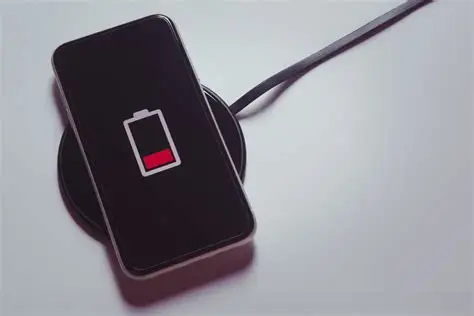
Watching your smartphone battery drop from 100 percent to critical levels in just a few hours is a daily frustration for many users. One moment your device is fully charged, and the next you are searching for a power outlet or power bank. Identifying what silently consumes your power is the first step toward making your device last longer on a single charge.
1. Unchecked Background App Activity
Even when your screen is locked, dozens of applications continue working behind the scenes to refresh feeds, sync notifications, and track your location.
This constant background activity quietly drains power throughout the day. Open your phone’s battery settings to see which apps consume the most energy, and restrict background data or refresh permissions for apps you rarely use.
2. High Screen Brightness and Long Timeout Settings.
Your smartphone’s display is typically its single biggest energy consumer. Leaving the brightness maxed out indoors or allowing the screen to stay awake long after you set the phone down rapidly depletes charge. Enabling adaptive brightness—or manually lowering the slider—alongside setting your screen timeout to 30 seconds can dramatically improve daily endurance.
3. Weak Cellular Reception.
When you are in an area with poor network coverage, your device’s modem works overtime, boosting power output to search for and hold onto a cell tower. If you are traveling through a dead zone or working in a building with weak reception, switching to Wi-Fi or turning on Airplane Mode temporarily stops your phone from wasting energy on signal searches.
4. Outdated Operating Systems and Apps.
Running outdated software can leave your device vulnerable to unpatched bugs that cause processors to run hotter and drain power faster. Manufacturers and app developers routinely release updates specifically designed to optimize energy efficiency. Keeping your operating system and installed apps up to date ensures your battery operates at peak performance.
5. Always-On Connectivity Features.
Leaving Bluetooth, GPS location services, NFC, or a personal mobile hotspot running nonstop puts continuous strain on your battery. Toggling off these features whenever you are finished using wireless accessories or navigation prevents unnecessary power loss.
Small adjustments to your daily device habits—such as managing screen brightness, limiting background apps, and installing timely software updates—can add hours of extra usage to your phone every day.
Follow Globalpulsealert for more practical tech guides, smartphone tips, and daily lifestyle updates.
About the Author